# Email HTML Minification and Plain Text Generation
Improve email deliverability by reducing message size with HTML minification. Save time and avoid errors by automatically generating plain text versions of your HTML content.
These options are available when creating email content in messages and [Templates](https://www.airship.com/docs/reference/glossary/#template) in the WYSIWYG editor.
## Plain text generation
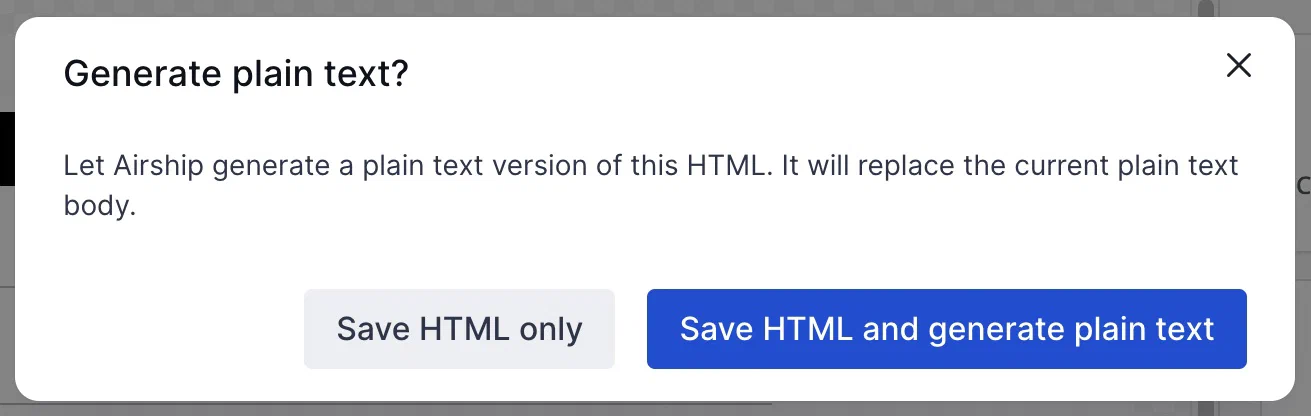
*Options for saving HTML and generating plain text*
Skip the tedious process of creating plain text versions of your email messages. Let Airship do it!
When adding or editing the HTML body, after selecting **Done**, select the option to save your HTML and generate plain text. Your HTML content, including links, is converted and populated into the **Plain text body** field. You can then edit the plain text version as needed.
## HTML minification
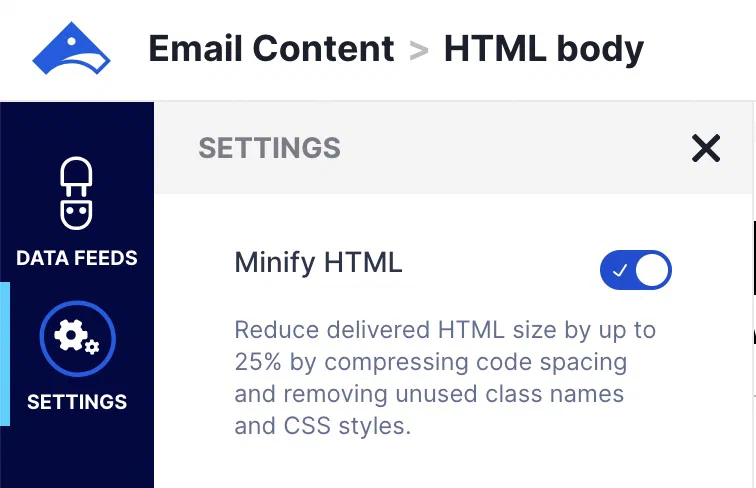
*Enabling Minify HTML in Settings*
Reducing message size can help with deliverability and avoiding message truncation by email clients. Instead of depending on third-party tools, now you can reduce your HTML in the WYSIWYG editor.
Select **Settings** in the sidebar, and then enable **Minify HTML**. When applying the setting to an existing message, you do not need to change anything else in the message before saving.
You can request enabling **Minify HTML** by default for all new messages and templates. [Contact Support](https://support.airship.com) and include your project App Key, which you can copy from **Settings**.
## Documentation
Learn about [Email content](https://www.airship.com/docs/guides/messaging/messages/content/email/email/), [Templates](https://www.airship.com/docs/guides/personalization/content/templates/), and the [WYSIWYG editor](https://www.airship.com/docs/guides/messaging/features/wysiwyg-editor/about/).